AI Background Remover
Remove image backgrounds fast and keep the subject ready for the next edit
The workspace above remains the live background-removal tool. The content below explains how Artinox supports ecommerce cleanup, creator cutouts, and transparent assets for design, ads, and downstream image generation.
Use Cases
What you can create with the Artinox background remover
Product Cutouts
Prepare ecommerce-ready product images
Remove messy backdrops from bottles, apparel, packaging, and product photos before listing, advertising, or compositing.
Portrait Assets
Separate people from distracting scenes
Create clean portraits and creator cutouts for social graphics, campaign mockups, team pages, and presentation decks.
Design Workflow
Move faster into edits and compositions
Use background removal as the first step before layout design, retouching, shadow work, or AI-assisted scene changes.
Workflow
How the workflow works
1
Upload one source image
Start with a JPG, PNG, or WEBP asset and keep the subject clearly visible for the cleanest edge separation.
2
Launch one-click background removal
Artinox sends the image through the background-removal workflow and returns a transparent cutout for download or reuse.
3
Use the result in image workflows
Take the cutout into image generation, product design, ad composition, or marketplace prep without redoing manual masking.
4
Keep a reusable clean asset
The right-side history lets you preview, download, and reuse isolated images in the rest of the Artinox workspace.
Capabilities
Background-removal capabilities for fast production cleanup
Transparent-background output
Produce a clean cutout that is ready for transparent export and downstream design work.
Fast single-image workflow
Keep the tool simple for fast product, portrait, and social-content cleanup without extra configuration.
Workspace reuse
Use removed-background assets as references for new image generations and edits across the broader Artinox flow.
Community Examples
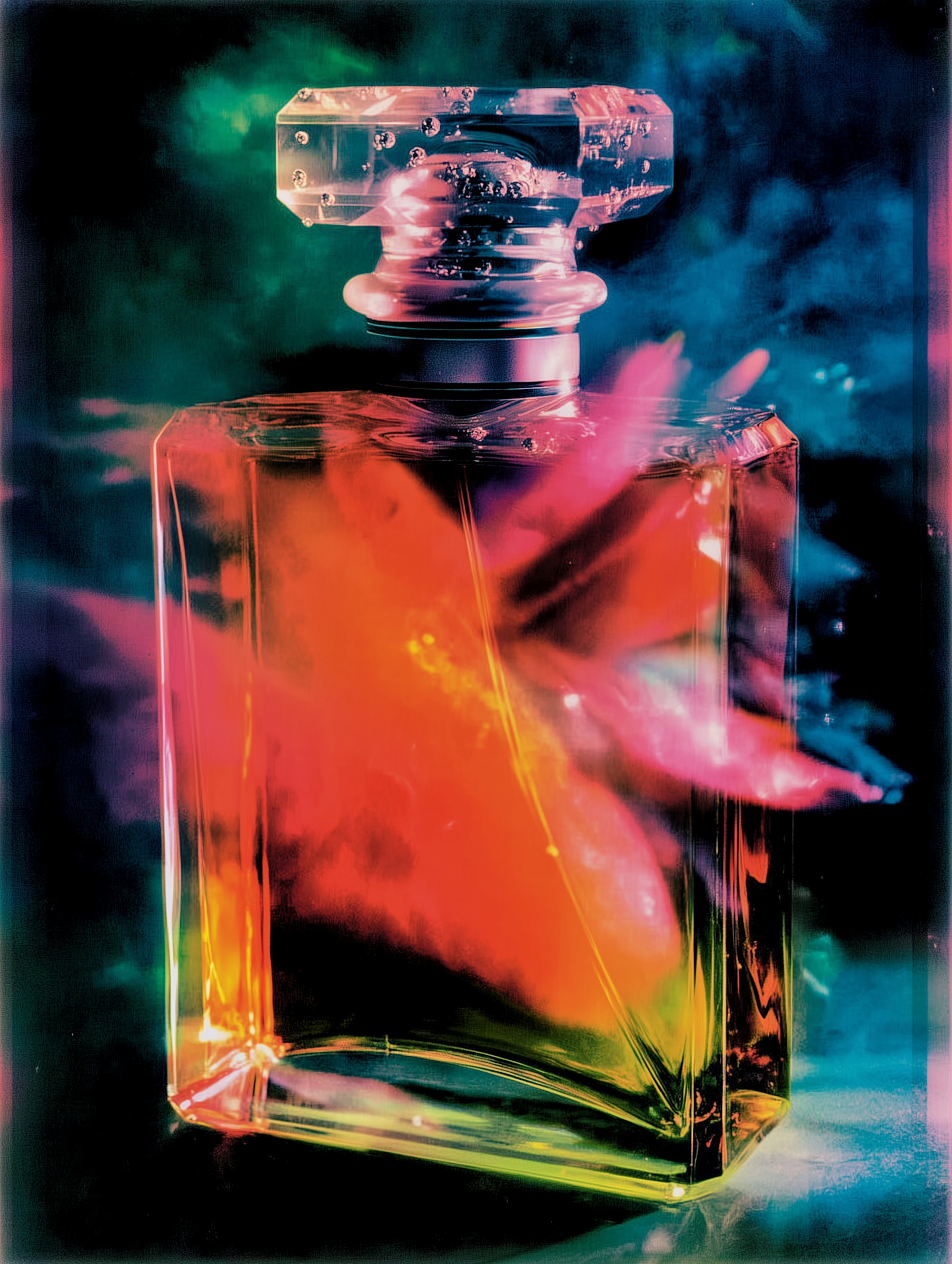
Examples of assets that benefit from one-click background removal


FAQ
Background removal FAQ
What is the Artinox background remover best for?
It is best for product photos, portraits, social assets, and any workflow where you need a clean subject cutout before editing or publishing.
Can I reuse the removed-background image in other Artinox tools?
Yes. The removed-background result is meant to feed into image generation, product mockups, creative compositions, and asset libraries.
Does background removal support commercial work?
Yes. It is designed for ecommerce, branded content, ads, and creator workflows, subject to your normal rights and usage responsibilities.
Why use a dedicated background-removal page instead of editing manually?
A dedicated page gives you a faster, repeatable one-click workflow with immediate preview and reuse inside the Artinox environment.
Start removing backgrounds in one click
Upload one image, isolate the subject, and move straight into publishing, compositing, or the next Artinox workflow.