NANO BANANA 2
Hyper-realistic cinematic engine for polished, high-fidelity visuals. Simple enough for everyone.
AI Image Generator
Create polished AI images with a simpler workflow built for speed and clarity
The Beginner workspace above stays unchanged as the main generation surface. The sections below explain how this page helps founders, marketers, creators, and ecommerce teams turn short prompts and a few references into strong visual output without needing the heavier Pro controls.
Use Cases
What you can create in Beginner mode
Social content
Launch short-form creative faster
Build vertical stories, square feed posts, and campaign teasers from one prompt without opening a more advanced workflow.
Ecommerce
Turn product photos into premium ads
Use a few references to create polished product visuals, clean hero shots, and fast variations for ads, product pages, and launches.
Branding
Create lifestyle and founder visuals
Generate portraits, creator assets, and branded scene work that looks consistent enough for websites, decks, and social channels.
Iteration
Test multiple directions in minutes
Swap aspect ratios, prompts, and references quickly so you can explore visual directions before investing further in a larger campaign.
Workflow
How Beginner mode works
1
Upload a few strong references
Drop in product photos, portraits, or inspiration images. Clear visual references reduce guesswork and improve output quality immediately.
2
Describe the result you want
Write a short prompt with the look, mood, or outcome you need. Beginner mode handles the complexity for you.
3
Choose the format that fits the channel
Pick a ratio that matches where the asset will be used, such as vertical social, portrait ecommerce, or square campaign content.
4
Generate, review, and refine
Create the image, reuse it as a new reference if needed, and keep iterating until the visual is ready to download or move into video.
Capabilities
Why teams start here
Fast photoreal image generation
Nano Banana 2 is tuned for quick high-fidelity outputs with a simpler workflow than the Pro page.
Reference-led prompting
Use visual references to guide composition, style, and product detail instead of relying only on text descriptions.
Built-in refinement loop
Once an image is generated, apply small prompt changes and reuse outputs to progressively tighten the creative direction.
Ready for image-to-video handoff
The generated result can move directly into the video workflow with a selected motion model preloaded.
Community Examples
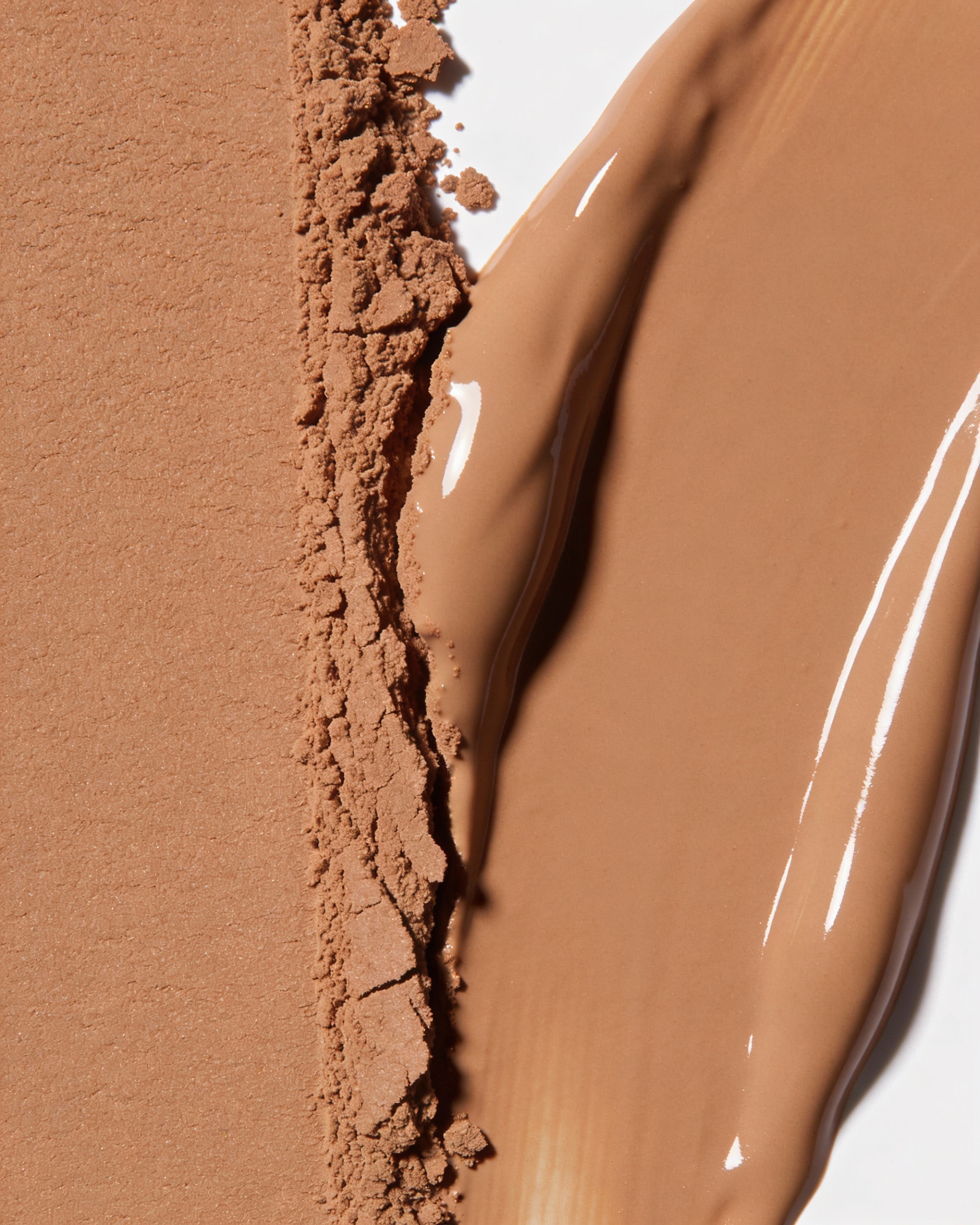
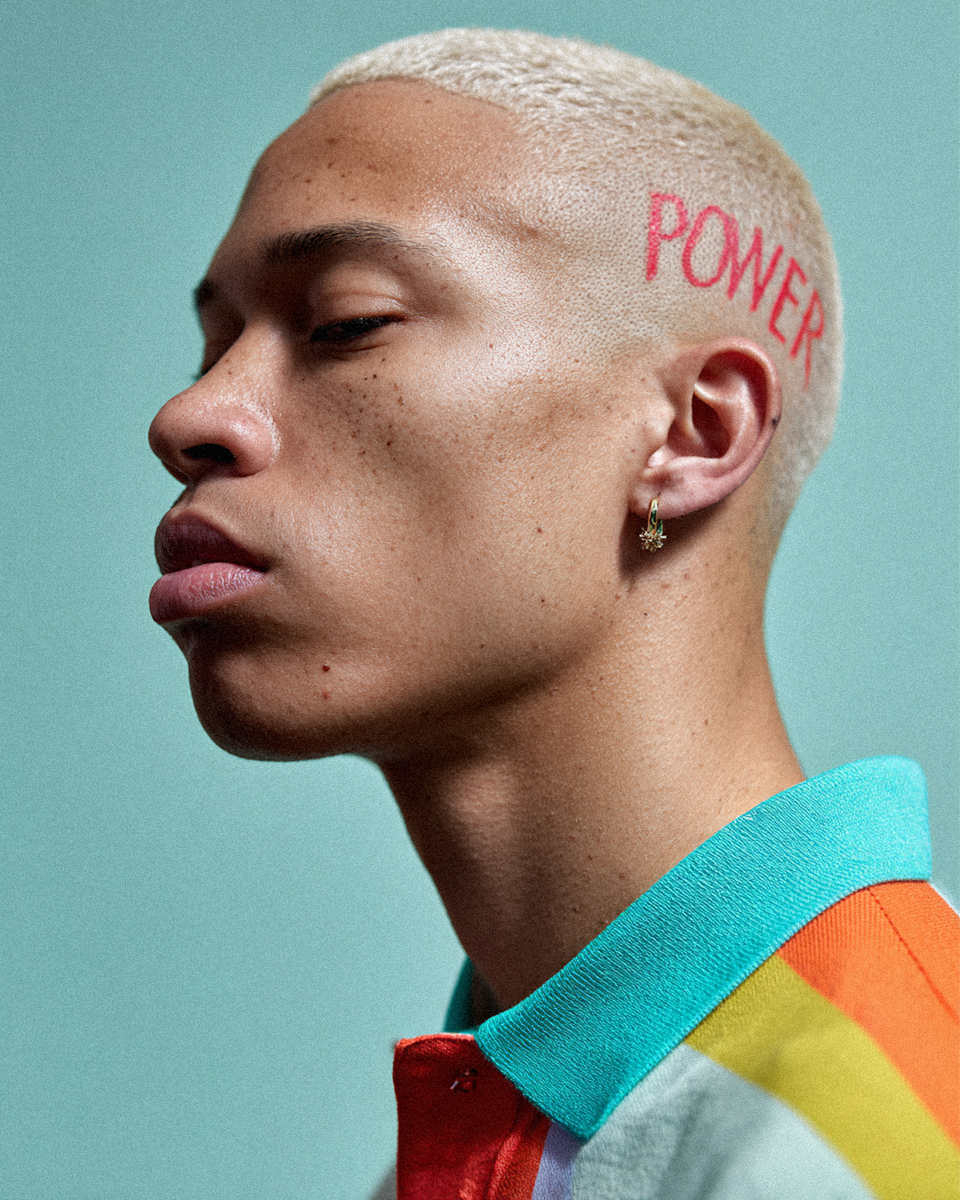
Examples of beginner-friendly output styles


FAQ
Beginner image generator questions
Do I need design experience to use Beginner mode?
No. Beginner mode is designed for creators, founders, marketers, and teams that want strong results without navigating a full advanced control panel.
How many reference images should I add?
One to six clear references is the sweet spot. Use fewer, stronger references instead of filling every slot with mixed directions.
Can I turn a generated image into a video later?
Yes. Use the Create a video action after generation to move the result into the video workspace with the reference image already attached.
What does each Beginner generation cost?
The Beginner page currently uses 8 credits per generation, and the current credit cost is shown on the generate button before you run it.
When should I switch to the Pro page instead?
Use Pro when you need model choice, multi-reference control, overlays, advanced task modes, or more deliberate creative tuning.
Open Beginner mode and generate your next image
If you already know the direction you want, jump back into the workspace above, add your references, and create the next image in a few clicks.