
Edit AppsStill-image enhancement only

You are in the image upscaler

Use this page to improve the resolution and detail of an existing still image. It enhances one uploaded image and does not create video or motion.

Need video enhancement? Open Upscale Video

Mastering High Fidelity

720P SOURCE
8K ULTRA-RES

Restore Your Memories

Flagship AI upscaling that does not just add pixels, it reconstructs details for a cinematic, professional finish.

+
Your enhanced image will appear here

Upscale History

No assets enhanced yet.

AI Image Upscaler

Upscale images for cleaner detail, larger delivery sizes, and better presentation quality

This page now works as both a core creative tool and a public search landing page. Visitors can understand what the AI image upscaler does, what kinds of assets benefit most from it, and how to move from a lower-resolution source file to a sharper export without changing the core studio experience above.

Use Cases

What you can improve with the upscaler

Ecommerce

Sharpen product imagery for stores and marketplaces

Improve product photos for storefronts, ad campaigns, and marketplace listings when the source asset is too soft or too small.

Portraits

Recover cleaner detail in fashion and portrait work

Bring back facial detail, textile texture, and edge definition when you need premium-looking portrait delivery from older or compressed files.

Print

Prepare assets for presentations, print, and large screens

Upscale presentation visuals, hero graphics, and campaign key art so they hold together at larger display sizes.

Archives

Improve older image libraries without re-shooting

Extend the usable life of existing content by improving resolution and clarity instead of rebuilding entire creative sets from scratch.

Workflow

How the upscaler works

1
Upload the source image
Drop in a JPEG, PNG, or WEBP file and preview it before processing. The original workspace stays intact so you can test multiple upscale factors quickly.
2
Choose the output strength
Select 1x, 2x, 4x, or 8x depending on whether you need a light cleanup, stronger detail recovery, or a larger export for high-resolution delivery.
3
Export the improved asset
When the enhancement finishes, download the sharpened full-resolution file and keep it in your session history for further iteration.
Capabilities

Why teams use AI upscaling

High-resolution export
Scale smaller images into cleaner delivery assets for ecommerce, social, presentations, and print-ready workflows.
Detail recovery
Improve edge clarity, surface texture, and fine visual information that gets lost in compressed or lower-resolution source files.
Fast comparison workflow
Move from upload to result inside the same workspace, then compare outputs and download whichever version fits the job best.
Clear credit planning
Different upscale factors have visible credit costs, making it easier to estimate volume across batches of images.
Community Examples

Examples of images that benefit from higher fidelity
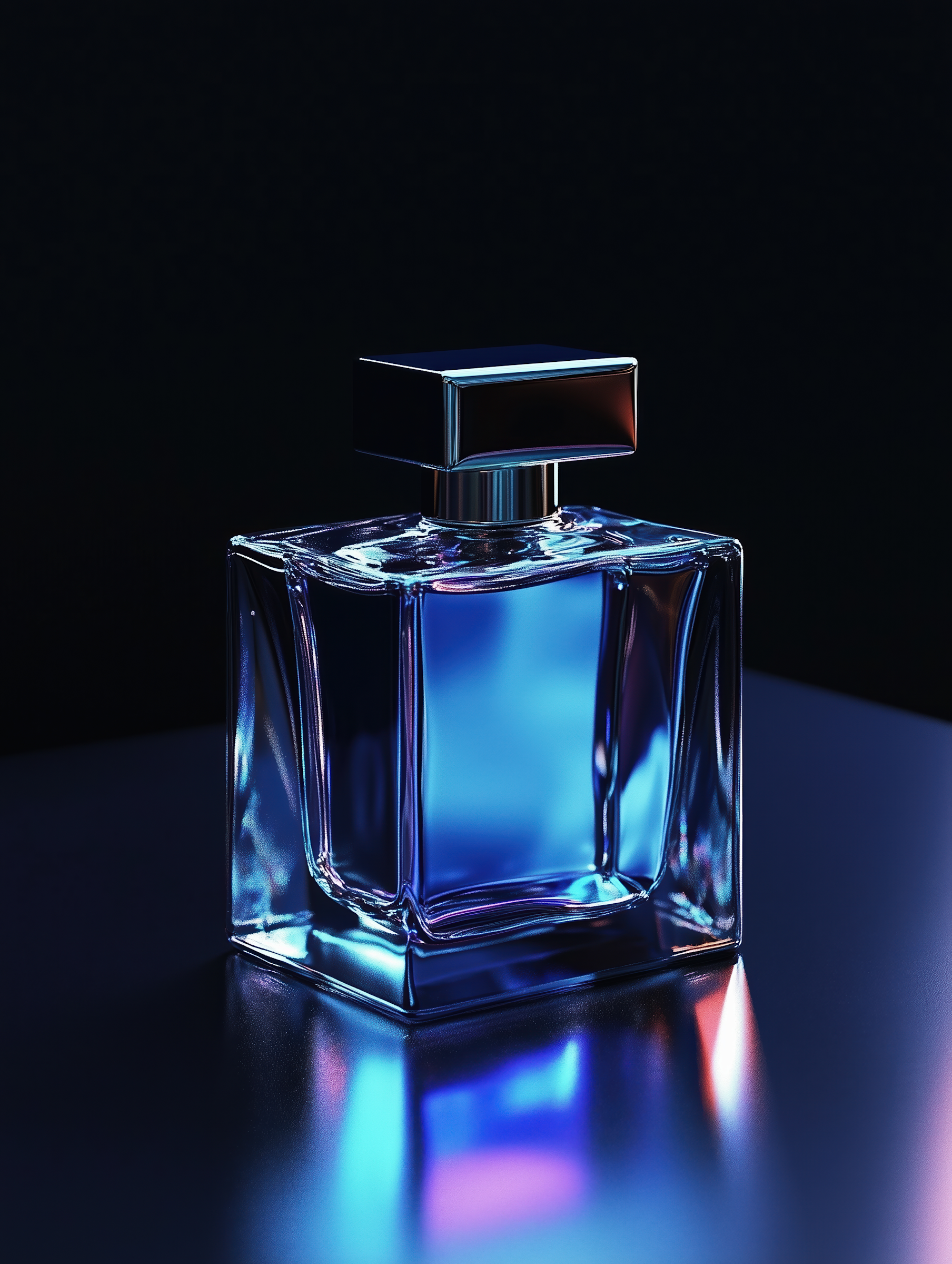
Sharper premium product presentationProduct
Sharper premium product presentation
Clean packaging shots become more useful for storefront heroes, promotional banners, and campaign layouts once edge detail is restored.
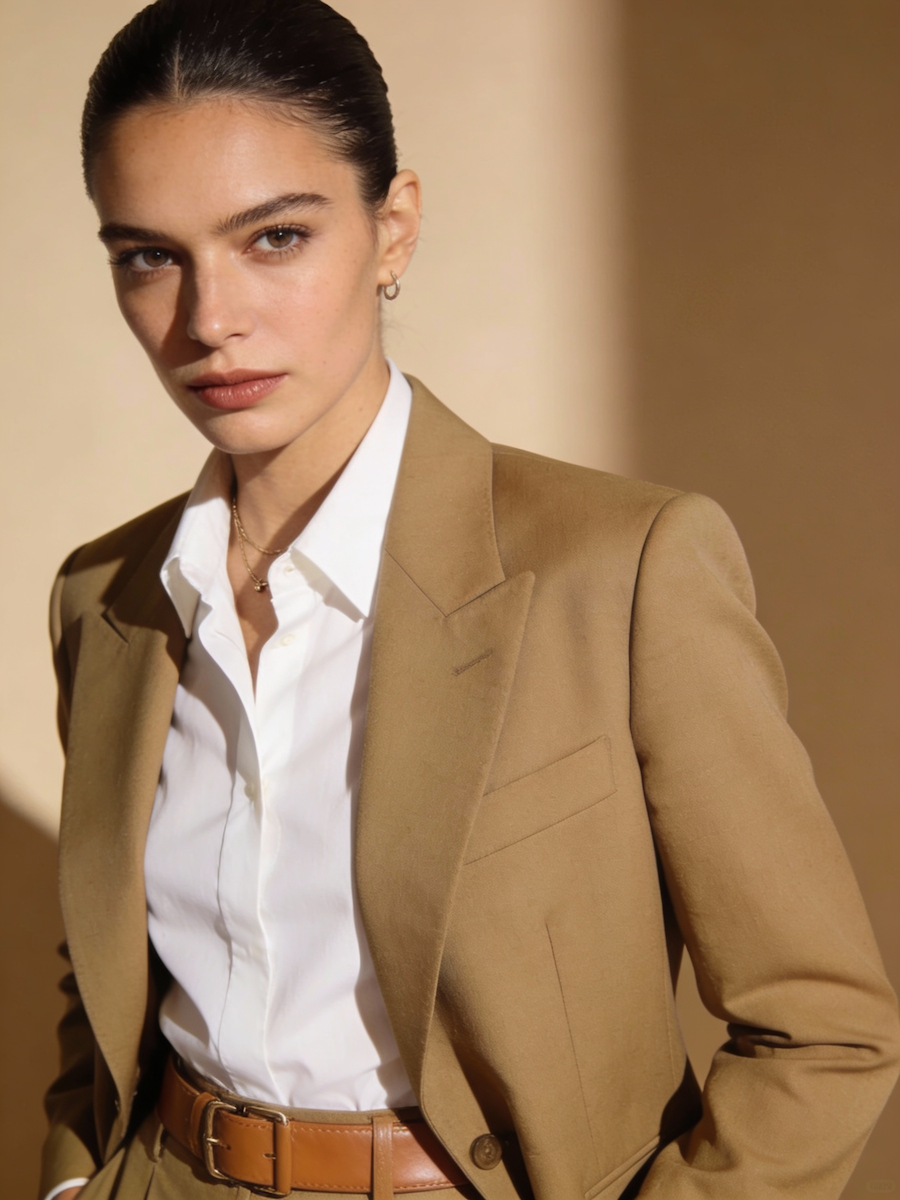
Portraits with stronger texture and clarityPortrait
Portraits with stronger texture and clarity
Portrait-driven content benefits from cleaner skin texture, hair detail, and sharper clothing structure when delivered at higher resolution.
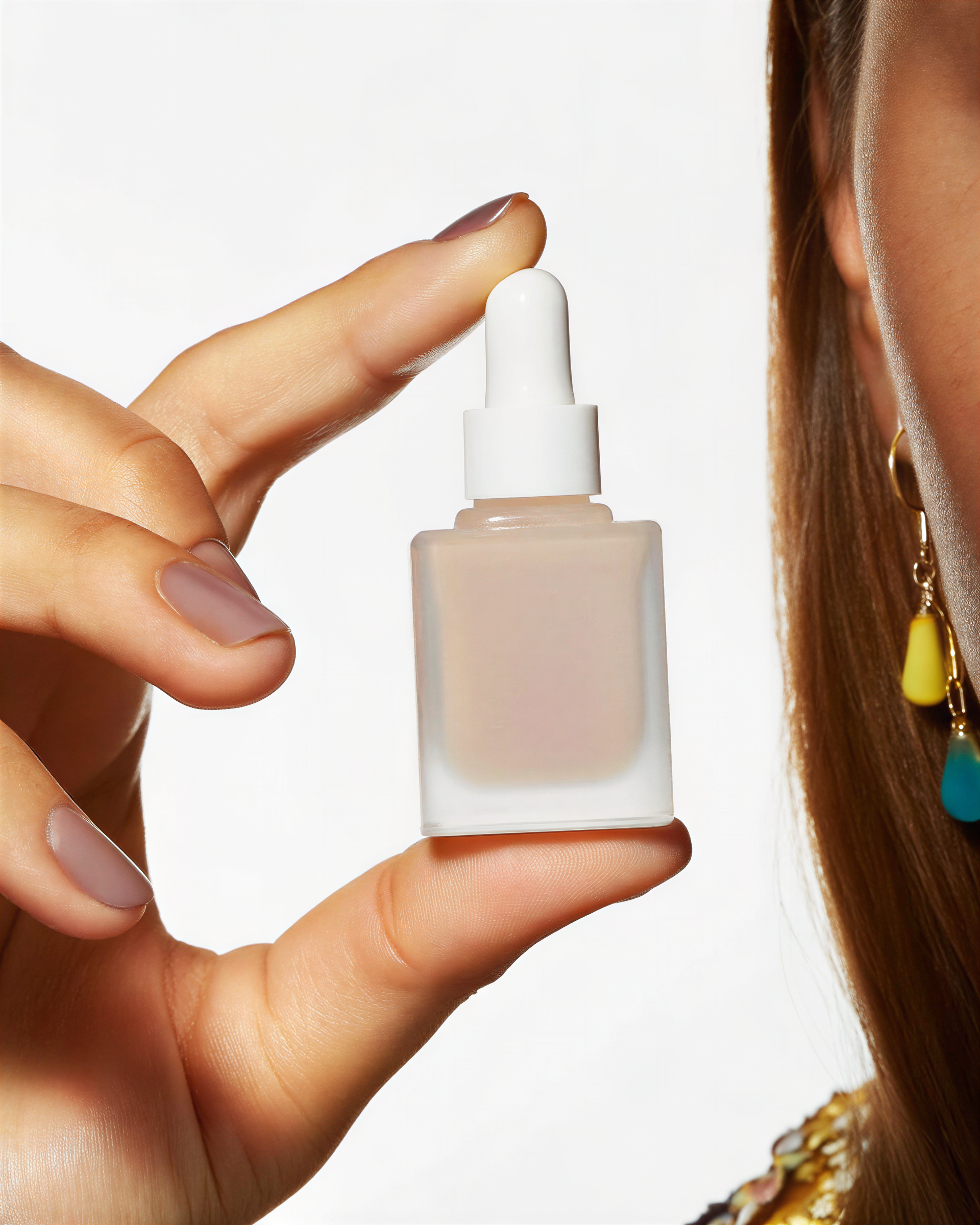
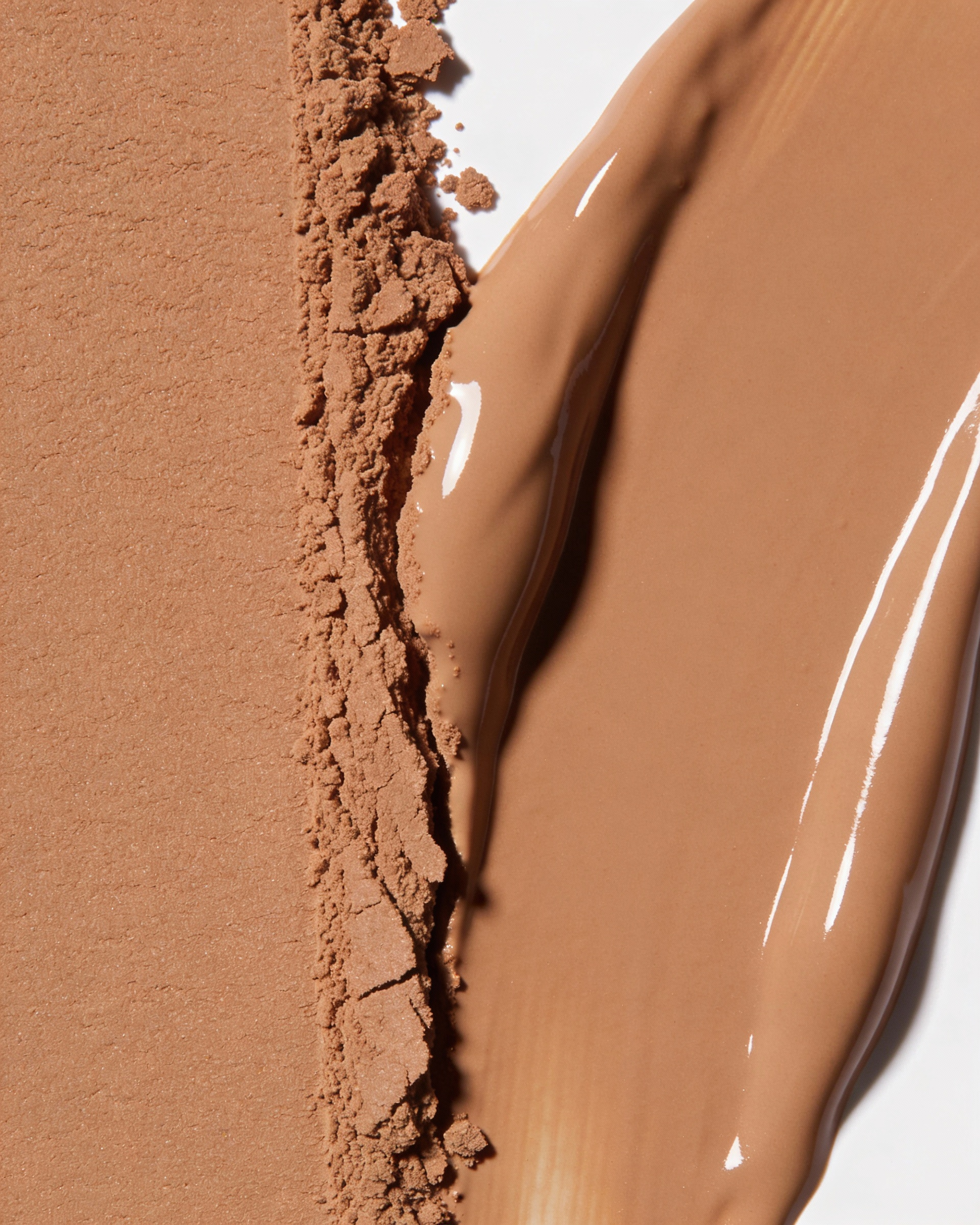
Close-range detail for luxury and beauty assetsClose-up
Close-range detail for luxury and beauty assets
Upscaling helps preserve the premium feel of jewelry, beauty, fashion, and packaging shots where micro-detail matters.
Better campaign assets from smaller originalsCampaign
Better campaign assets from smaller originals
Teams can take a smaller concept frame and convert it into a more presentation-ready asset for sales decks, ads, and launch materials.
FAQ

AI image upscaler questions

What is an AI image upscaler used for?
An AI image upscaler helps increase resolution while improving visible detail, making smaller or softer source images more useful for ads, storefronts, presentations, and print preparation.
When should I choose 1x, 2x, 4x, or 8x?
Use 1x for detail cleanup without size jump, 2x for lighter enhancement, 4x for stronger recovery, and 8x when you need the largest output increase. Very large source files may exceed model limits at 8x.
Can I use upscaled images for commercial work?
Yes. The workspace is designed for creator, client, and commercial usage, including ecommerce, campaign, portfolio, and presentation assets.
Does upscaling replace image generation?
No. Image generation creates a new visual from prompts or references, while upscaling improves the resolution and clarity of an image you already have.
What files can I upload to the upscaler?
The current page accepts JPEG, PNG, and WEBP images up to 10MB, making it suitable for common web, social, and product photography workflows.

Bring your next image into higher resolution

If you already have the source asset, jump back into the upscaler workspace and enhance it with the factor that fits your delivery format.

Open the upscaler